 Coming soon to iPhone
Every lecture, fully captured
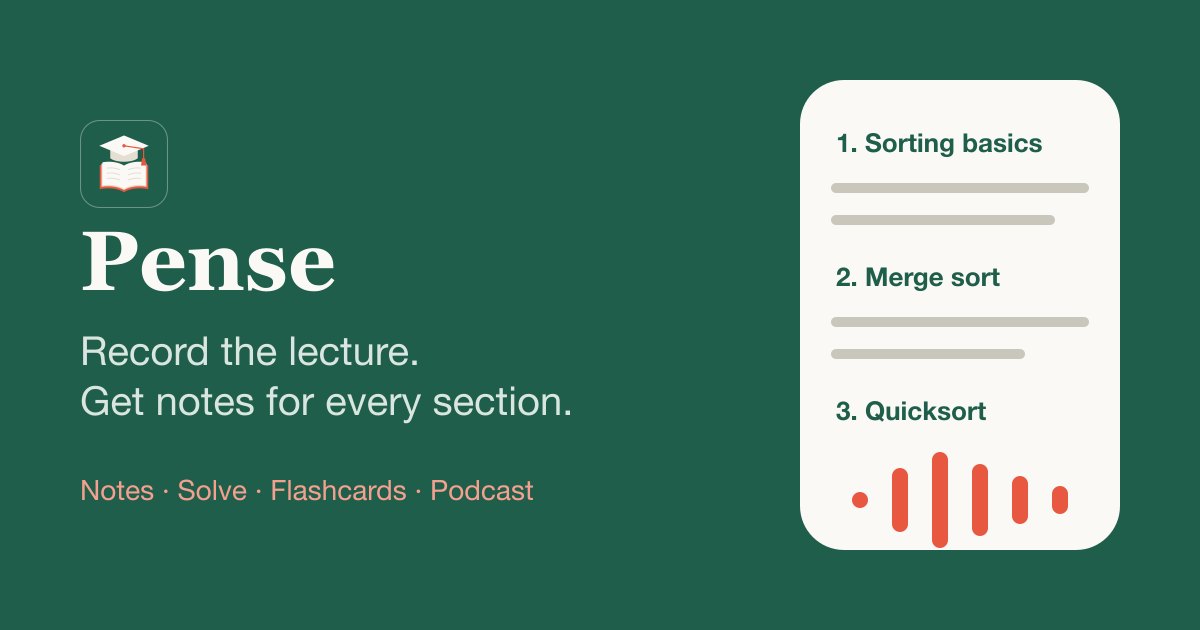
Pense records your lecture and turns it into complete, organised notes that cover every section, from the first slide to the last question. Then it helps you learn them, with flashcards, practice tests, worked solutions and a podcast.
- Notes for every section
- Solve from a photo
- Flashcards and tests
- No ads, no tracking
How does Pense work?
Record
Tap record and put your phone down. Recording keeps going when the screen locks and saves as it goes, so a crash doesn't cost you the class.
Understand
Get notes for every section of the lecture, with a coverage line that shows nothing was skipped. Explain or Simplify any section, and tap a note to jump to that moment in the transcript.
Study
Flashcards, Learn sessions, practice tests, Match and written answers, all generated from what was said in class. Ask a question about the lecture and get an answer with sources.
What else does Pense do?
Solve
Photograph or paste a homework problem and get a worked solution, linked to the lecture section where it was taught.
Podcast
Turn a lecture into a two-voice podcast episode for the bus or the gym.
Bring your own material
Paste notes, pick a PDF handout, photograph pages of notes or a textbook, or paste a YouTube lecture link with captions. You get the same notes and study tools.
Organised by course
A whole semester in one place, sorted by course, with due-card reminders and a study streak.
Share a study set
Send classmates a read-only link to a set's notes, flashcards and quiz questions. Never the recording or the transcript.
Private by design
On iPhones with iOS 26 and later, transcription runs on the phone and the audio never leaves it. No ads, no tracking.
Frequently asked questions
Does Pense upload my lecture recordings?
On iPhones with iOS 26 and later, Pense transcribes the lecture on the phone, and the audio is never uploaded. On older iPhones, or if on-device transcription isn't available, the audio is uploaded in short segments for transcription. The transcript is sent to our AI provider to write the notes. The privacy policy lists every service involved.
Am I allowed to record my lectures?
That depends on your university and your lecturer. Some courses allow recording, some need permission, and some don't allow it. Check your course's recording policy and ask if you're not sure. Pense reminds you before your first recording, and it only records when you press record.
Are the notes always right?
No. The notes, answers, flashcards and solutions are written by AI from the transcript, and AI can make mistakes or mishear a word. Every note links back to the transcript so you can check it, and you should check anything that matters against your lecturer and course materials.
How much does Pense cost?
Your first two lectures or study sets are free. After that there is Pense Premium, an auto-renewing subscription billed monthly or yearly, with the same features on both plans. The App Store shows the price in your currency, and a free trial may be offered on the yearly plan; the App Store shows it before you confirm. Cancel at any time in your App Store account settings.
When is Pense available?
Pense is coming to the App Store for iPhone first. Android comes later. This page will link to the App Store as soon as it's live.
Need help? See support. Details in the privacy policy and terms of use.
Never miss a section of a lecture again
Pense is coming soon to iPhone and Android.Record the whole lecture and get complete notes for every section, then study them. Your first two lectures or study sets are free.